Every dose, right on time
Add your medications — or take a photo of the prescription — and Nuya reminds you when each dose is due. Marking it as taken is one tap. And you follow your consistency over time.
- ✓A reminder at each dose time
- ✓A prescription photo becomes reminders
- ✓Adherence followed over time
What you can do
How it works
Simple setup, your way
Search for the medication by name — autocomplete finds it fast. Set the dosage (if it doesn't apply, just mark “not applicable”), note what it treats and choose the time for each dose. Want it even easier? Photograph the prescription and Nuya creates the reminders for each medication.
- ✓Search by name with autocomplete
- ✓Flexible dosage — “not applicable” is fine
- ✓A prescription photo becomes reminders
Doses and appointments in one place
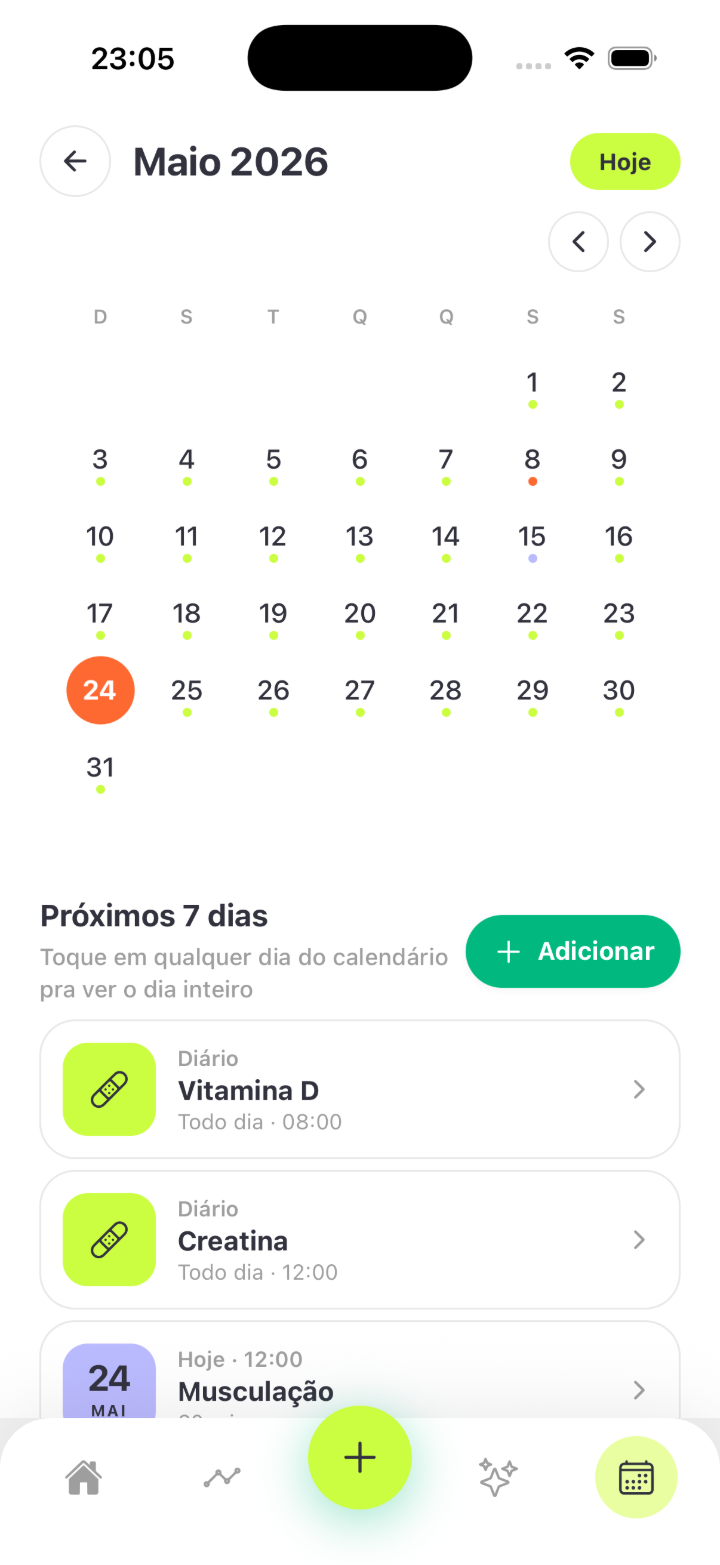
Your medications go on the app calendar, right next to your appointments. And on the Home screen, the “Meds — All taken” chip shows how your day is going at a glance. Your whole routine, in one view.
- ✓Doses on the calendar, next to appointments
- ✓A Home chip shows your day at a glance
- ✓A notification at each dose time
Consistency you can see
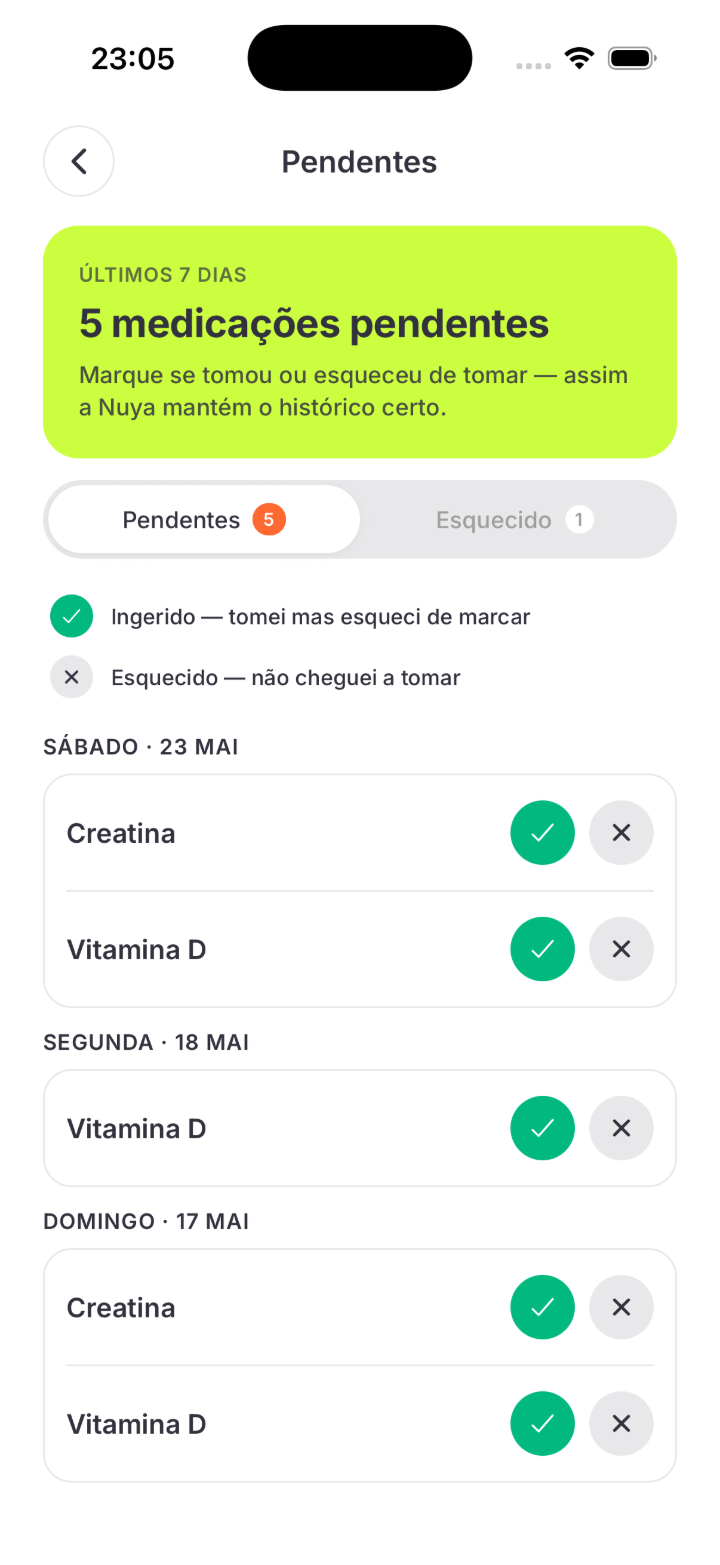
Half of all people with a chronic condition don't follow their treatment as prescribed. Nuya shows your consistency over time: you see how closely you are following the plan, mark doses from previous days if you forgot to log them, and bring the full history to your appointment.
- ✓A consistency report over time
- ✓Log doses from previous days
- ✓A history ready for your appointment
Frequently asked questions
Is the app free?
Yes. Nuya is free on the Brazilian App Store.
Does it work on Android?
For now, Nuya is iPhone (iOS) only.
What do I need to get the reminders?
Just keep Nuya's notifications enabled on your iPhone. That's how each dose alert reaches you.
I forgot to mark a dose yesterday. Now what?
No problem: retroactive logging lets you mark doses from previous days.
Can Nuya adjust my dose or suggest a medication?
No. Nuya doesn't diagnose, recommend or change doses. Prescribing is always your doctor's job — Nuya helps you follow what they prescribed.
Is my health data safe?
Your data is yours, protected by LGPD (Brazil's data protection law). You can delete it whenever you want — and reach us at suporte@saluorg.com.
Nuya organizes and clarifies your health information. It doesn't diagnose and doesn't replace your doctor.
Your next dose can already have a reminder
Download Nuya for free on the App Store and add your first medication today.