Everything that matters in your day, on one screen
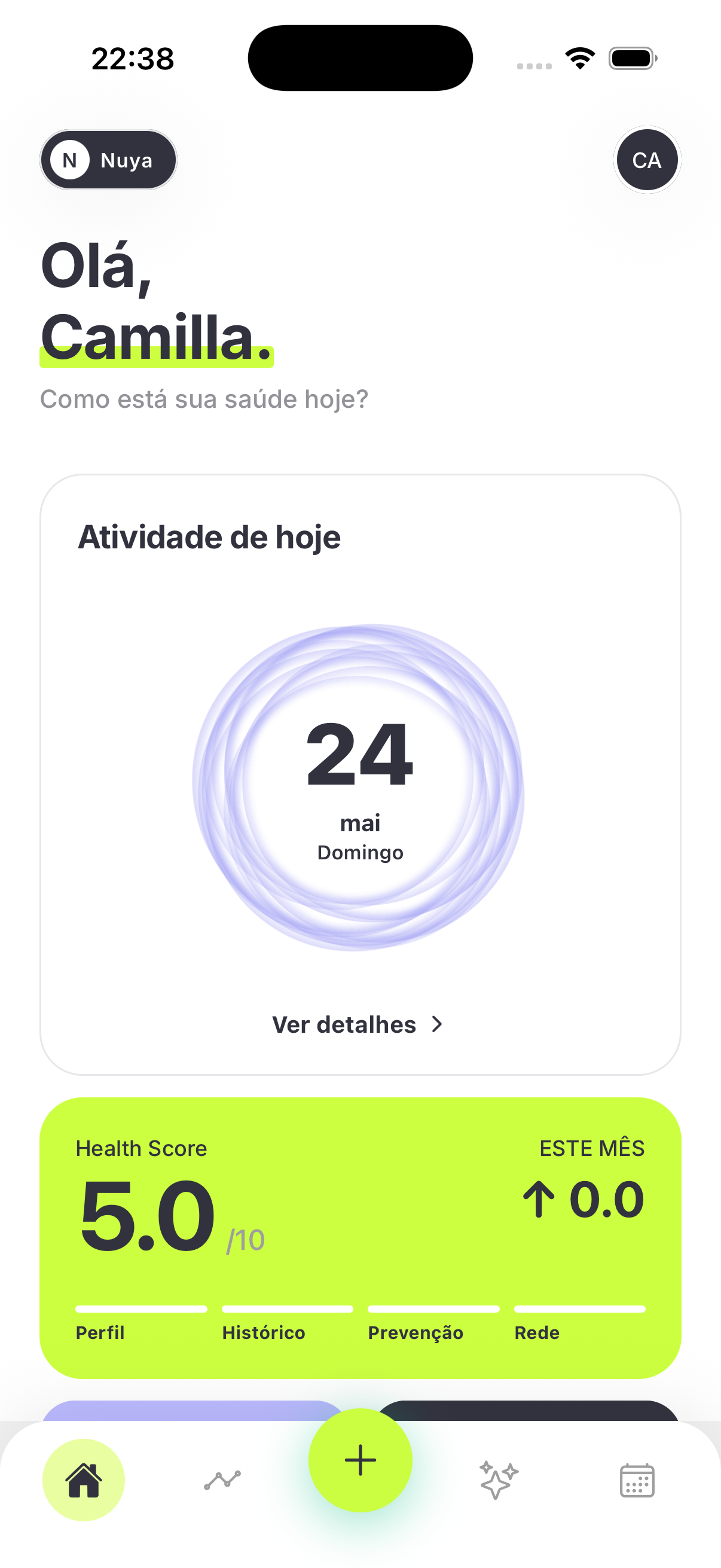
The Home is Nuya's first screen: it greets you by name, with your activity ring, your goals and a summary of your Nuya Points. Your health day at a glance — and from there you reach every area of the app.
- ✓Sleep, energy, cycle, meds and workout goals at a glance
- ✓Daily Analysis that crosses sleep, activity and mood
- ✓Mood and symptoms logged in seconds
What you can do
How it works
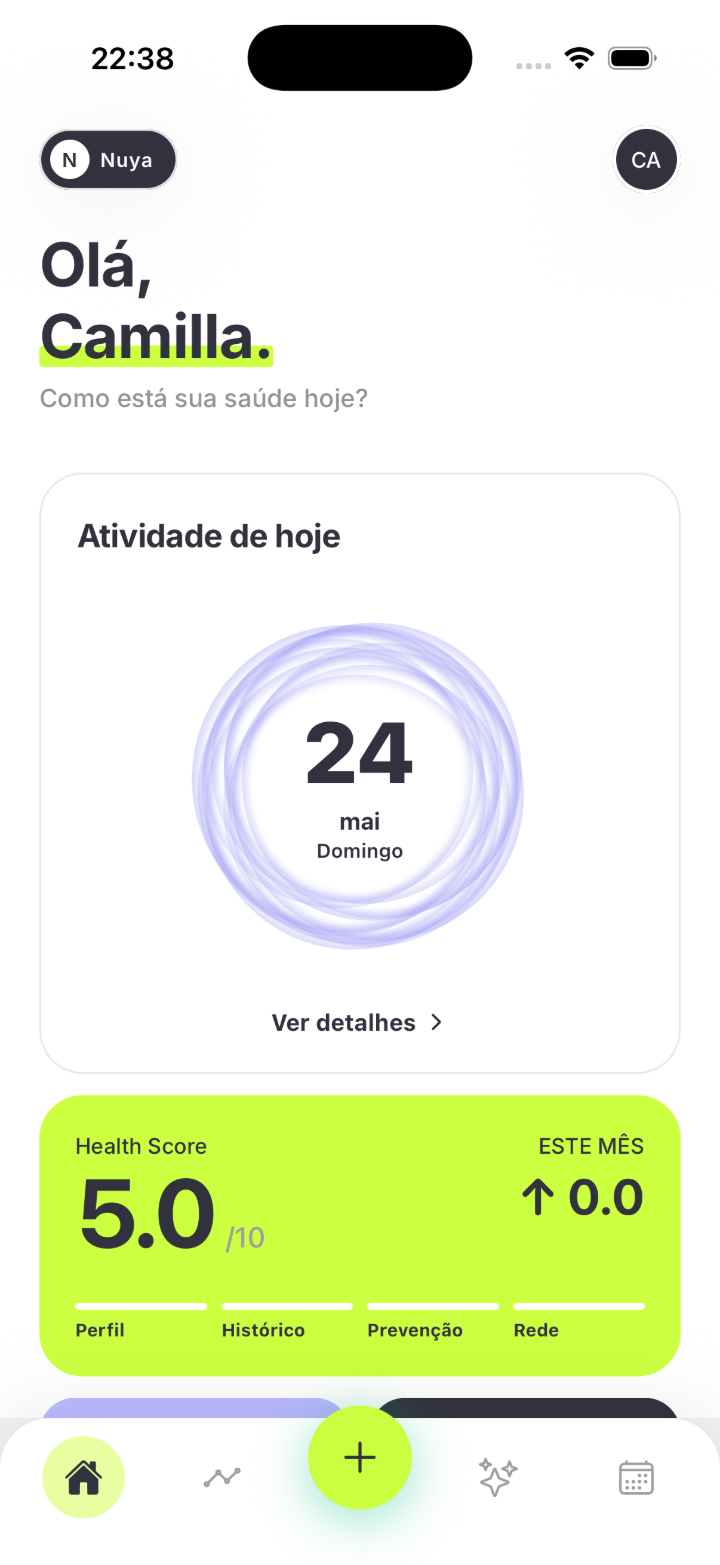
Goals and ring, all at a glance
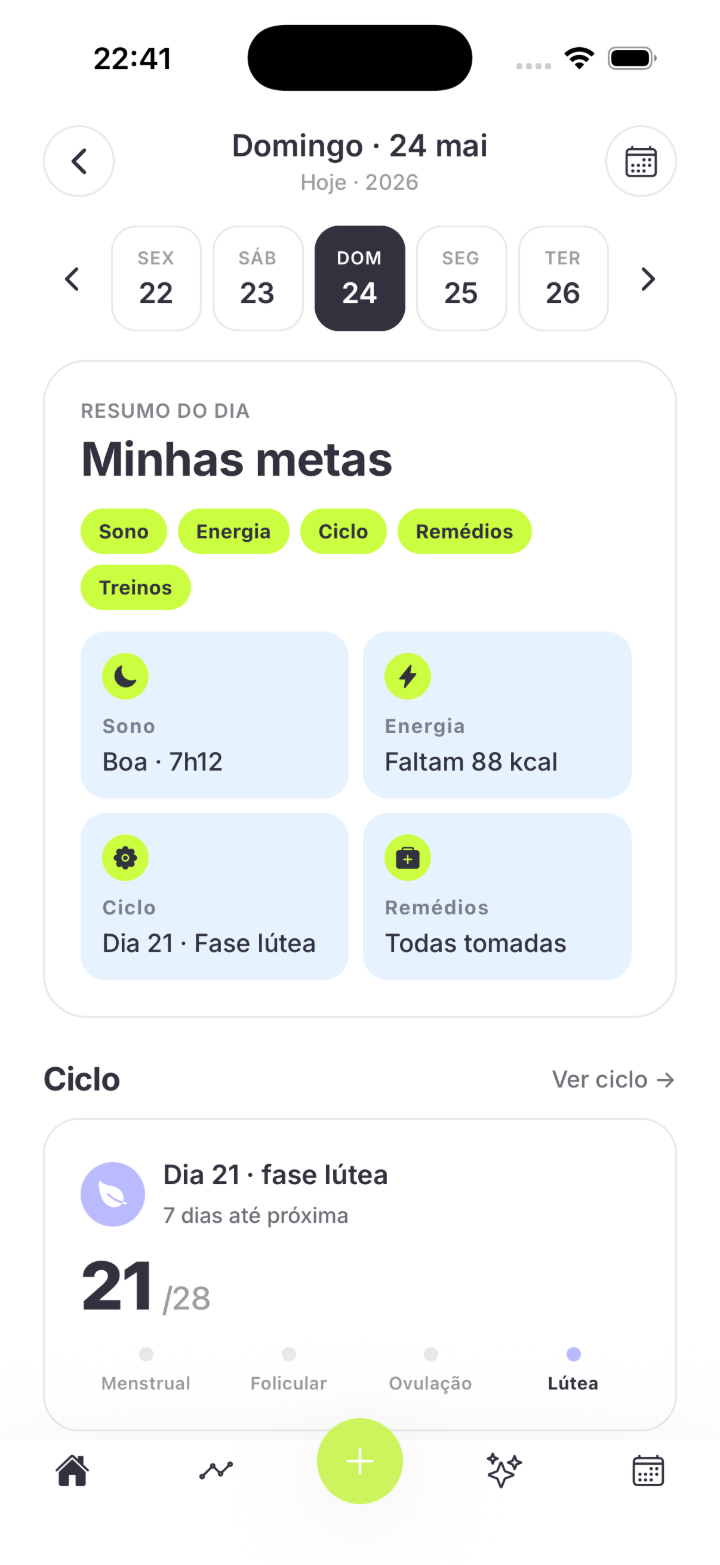
The Home greets you by name and shows your activity ring with your goals by area. Without opening anything, you already know how your day is going.
- ✓Sleep: “Good · 7h12”
- ✓Energy: “88 kcal to go”
- ✓Cycle: “Day 21 · Luteal phase”
- ✓Meds: “All taken” — plus your workouts
The day starts with clarity
Every morning, the Daily Analysis crosses sleep, activity and mood into one clear insight. You understand how you arrived at the day before it gets going.
- ✓Morning summary in plain language
- ✓Crosses sleep, activity and mood
- ✓One clear insight, no noise
Your consistency, visible
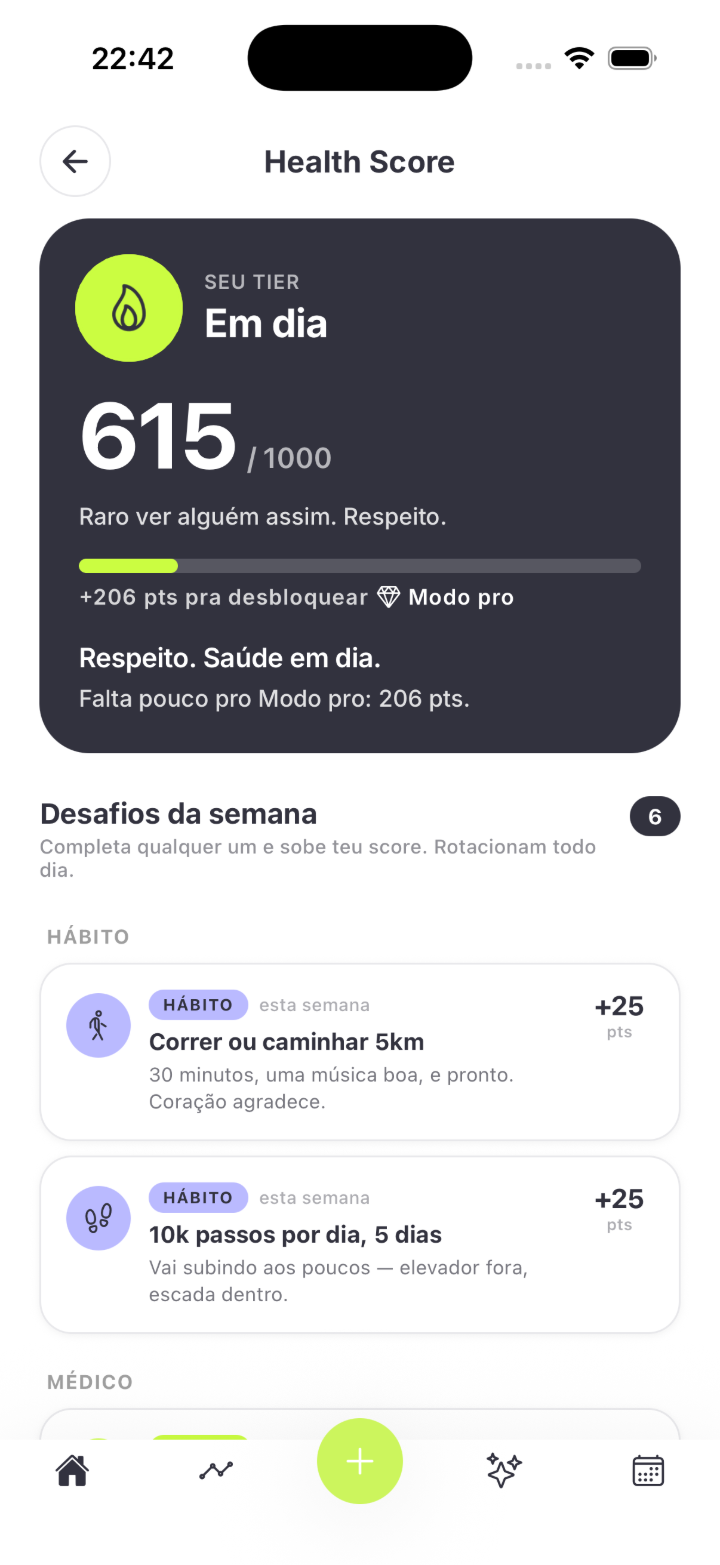
Your Nuya Points summary lives on the first screen — built with your own health data, never made-up numbers. And from the Home you reach every area of the app.
- ✓Nuya Points summary right on the Home
- ✓Built with your data — no data, an honest empty state
- ✓Shortcuts to record, trends, calendar and chat
Frequently asked questions
Is Nuya free?
Yes. Nuya is free to download on the App Store (Brazil).
Does it work on Android?
For now, Nuya is iPhone (iOS) only. There's no Android version yet.
Which devices connect to Nuya?
Nuya integrates Apple Health — and, through it, the wearables that sync with the Health app: Apple Watch, Garmin, Oura and others.
What shows on the Home if I haven't connected anything yet?
The Home is built with your data. With nothing connected, it shows an honest empty state — Nuya never makes up a number.
Is my data protected?
Yes. Your health data is yours, protected by LGPD (Brazil's data protection law). You can delete everything whenever you want and reach us at suporte@saluorg.com.
Does Nuya replace my doctor?
No. Nuya doesn't diagnose and doesn't replace your doctor. It organizes your health data so you can follow your day to day.
Nuya organizes and clarifies your health information. It doesn't diagnose and doesn't replace your doctor.
Start the day seeing what matters
Download Nuya on the App Store and open your Home tomorrow morning. Free to download, on your iPhone.